3 min readDaniel Nolte
Setting up Smoobu: a step-by-step guide for beginners
From the account to your first property to a connected platform: how to set up Smoobu cleanly, sync calendars, manage prices — and which pitfalls to avoid.

For many small to mid-size hosts, Smoobu is the most straightforward way to bundle several booking platforms into one calendar. The setup is doable — if you know the order of steps and avoid the typical pitfalls. This guide walks you through the basic setup step by step.
As an official Smoobu partner agency, we connect Smoobu to websites and AI phone agents — more on that at the end.
Step 1: Create your account
Sign up with Smoobu and start with the trial period. Enter your master data — name, billing address, language. A complete profile saves you back-and-forth later, especially when connecting platforms.
Step 2: Create your first property
Set up your first property. Enter the key details: name, address, number of beds, amenities. These entries are the basis for everything that follows — the calendar, prices, and booking confirmations all depend on them. Take your time here, because later corrections ripple through the whole system.
Step 3: Connect your channels
Now connect your booking platforms — typically Airbnb, Booking.com, and Vrbo. Smoobu acts as a channel manager, brokering between the platforms and your central calendar.
Connect the channels one at a time, not all at once. That way you spot immediately if a connection misbehaves, instead of having to guess afterwards which one it was. Make sure the property is clearly matched between the platform and Smoobu.
Step 4: Check calendar synchronisation
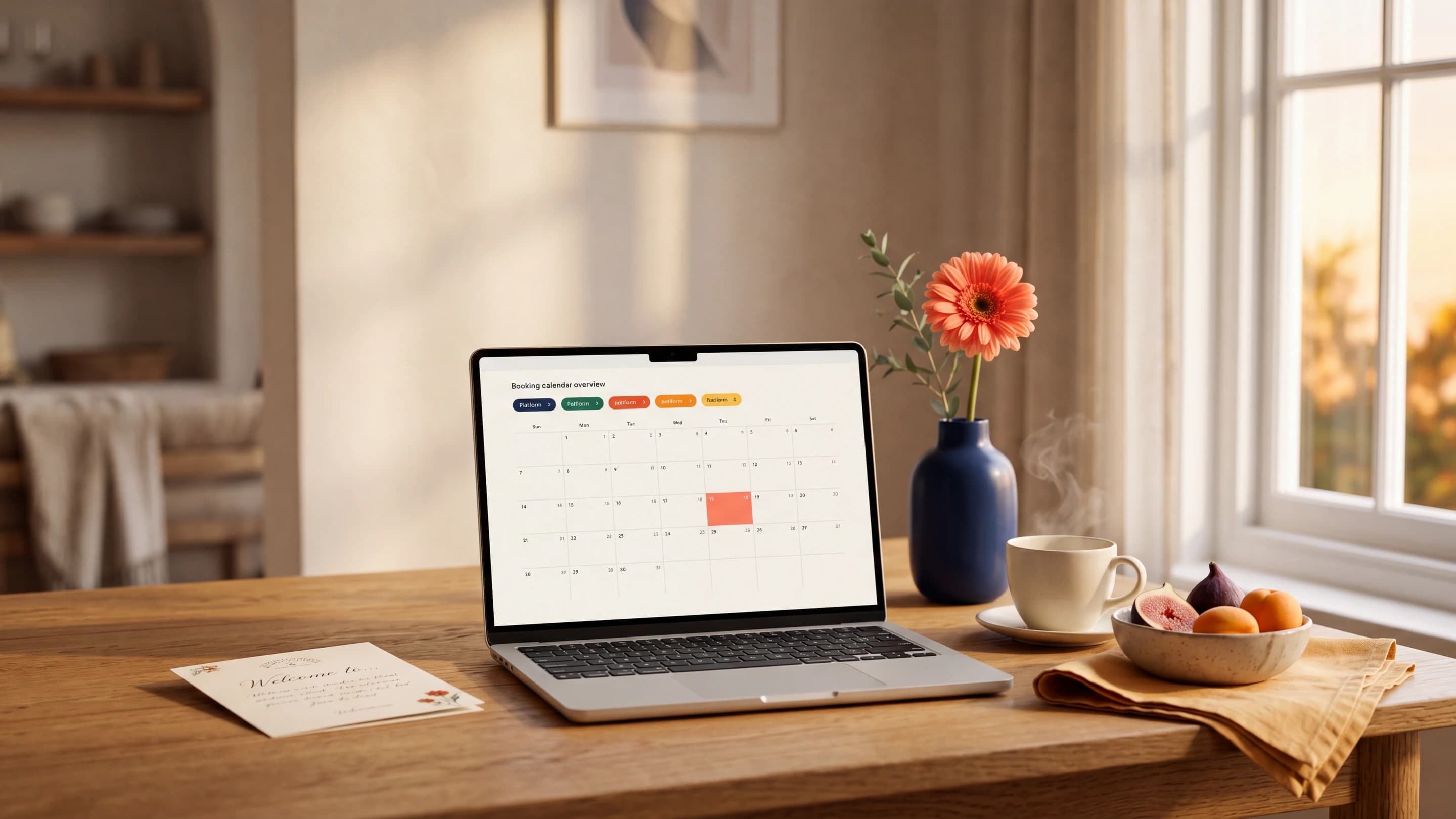
Once the channels are connected, bookings and blocked dates should flow in both directions. Test this actively: block a date in Smoobu as a test and check whether it's blocked on the platforms — and the other way around. Clean synchronisation is the heart of it; it's what prevents double bookings.
Step 5: Manage prices and rules
Enter your prices, minimum stays, cancellation policies, and any surcharges (pets, final cleaning, extra guests). Maintain this data centrally in Smoobu so it's pushed consistently to all channels. If you keep changing prices directly on each platform, you undo the whole advantage of the channel manager.
Step 6: Booking widget and website integration
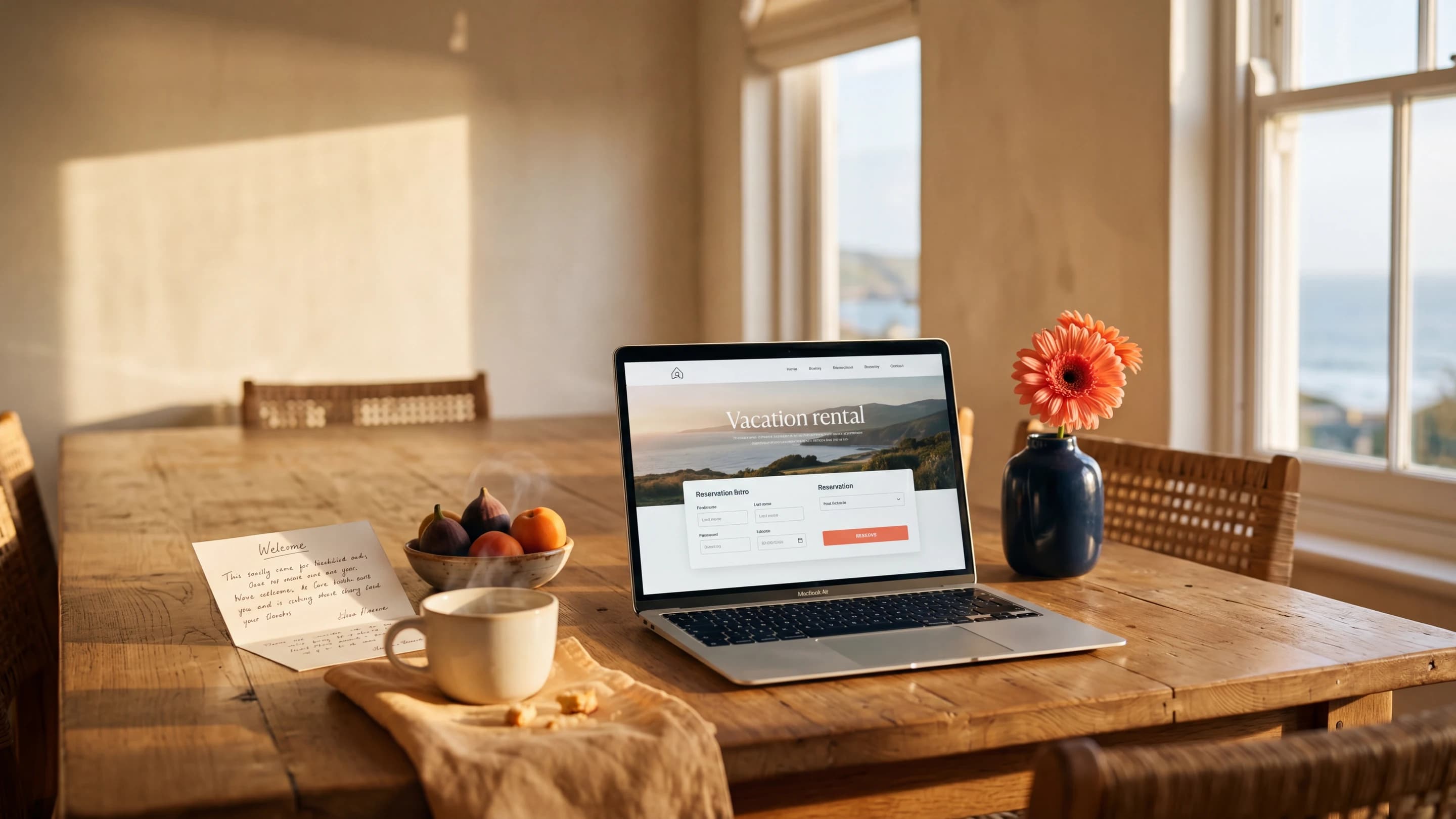
Smoobu comes with a booking engine you can embed on a website. That's how you collect commission-free direct bookings. There are several ways to implement it — from a simple booking widget to a deeply integrated own website with a direct API connection. Which path fits depends on your standards; here's what an individual website connected to Smoobu looks like.
Common pitfalls
From many setups we know the recurring traps:
- Managing prices in multiple places. Tweaking platforms in parallel creates inconsistencies. Maintain everything centrally in Smoobu.
- Connecting channels at the same time. Errors become untraceable. Always one after another.
- Not testing synchronisation. Without a test you only notice gaps at the first double booking.
- Incomplete property data. Gaps in beds or amenities lead to wrong confirmations and guest queries.
What comes next
You can handle the basic setup yourself with this guide. Once Smoobu is in place, we build on it as an official Smoobu partner agency: with an individual website that pulls availability and booking live from Smoobu, and with an AI phone agent that answers guest questions around the clock and names free dates straight from Smoobu.
Take a look at what we build for Smoobu hosts, or book a free 15-minute intro call — we'll tell you honestly whether it's worth it for you.
- #smoobu
- #channel-manager
- #guide
- #direct-booking